
Click on any image below to
return to the programme page
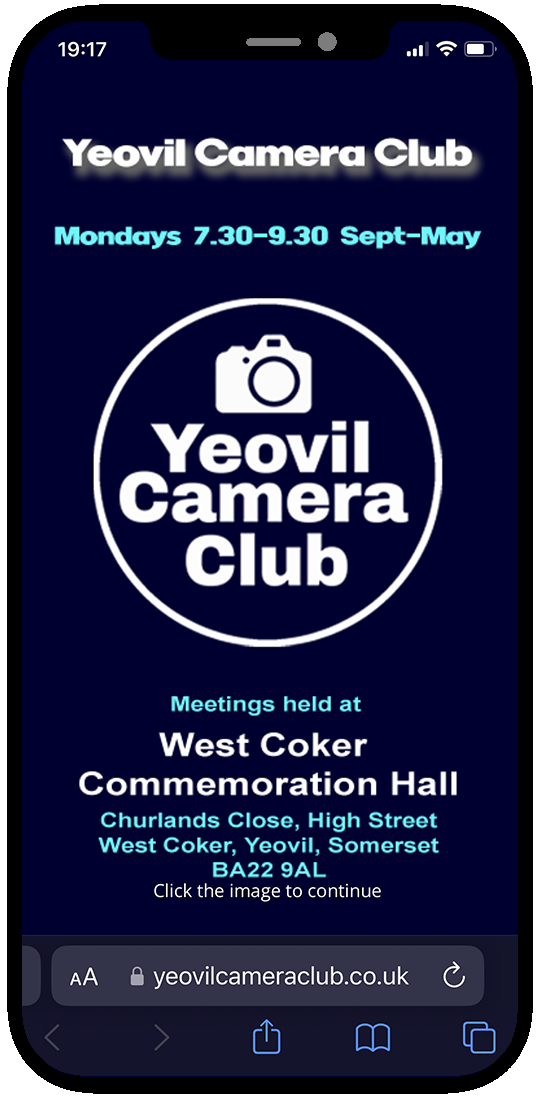
Open the Programme Page on your phone's browser. Tap on the middle icon at the bottom of the screen
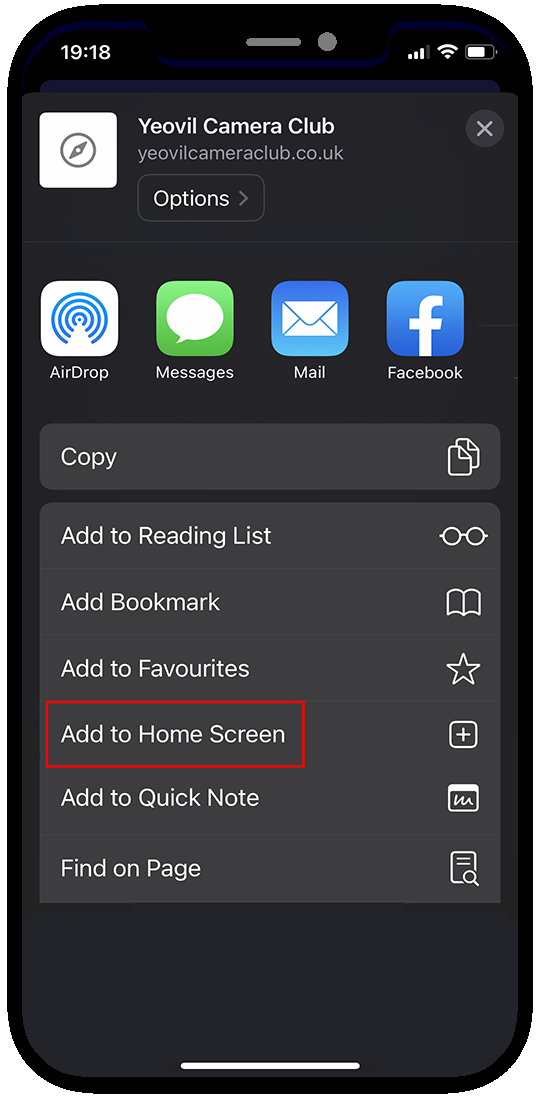
Tap on Add to Home Screen. A square button will appear like those above. When tapped the browser will be opened and the programme page loaded
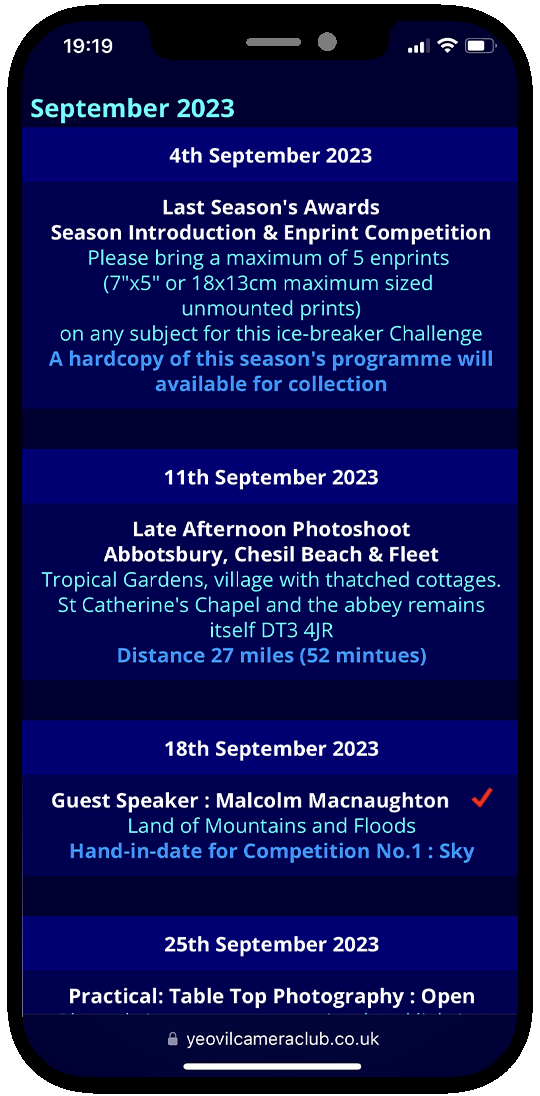
Tap on the top image to display the current programme date instantly!
Tap the Month name to go to the top of the page for the navigation menu
